

You know the tone you want.
Now skip the menus and play.
The Tone Builder is your personal guitar tech — not a replacement for your ear. Describe the sound in your head, and it builds a starting point tuned to your rig, your monitoring, and your taste. Playing through studio monitors? Headphones? A 4×12 on stage? The same prompt produces different results — because a great preset on one system is the wrong preset on another. You direct. Your guitar tech dials the knobs. You play.
Works in Chrome. Connects over USB. No app to install.

One sentence in. Your sound out.
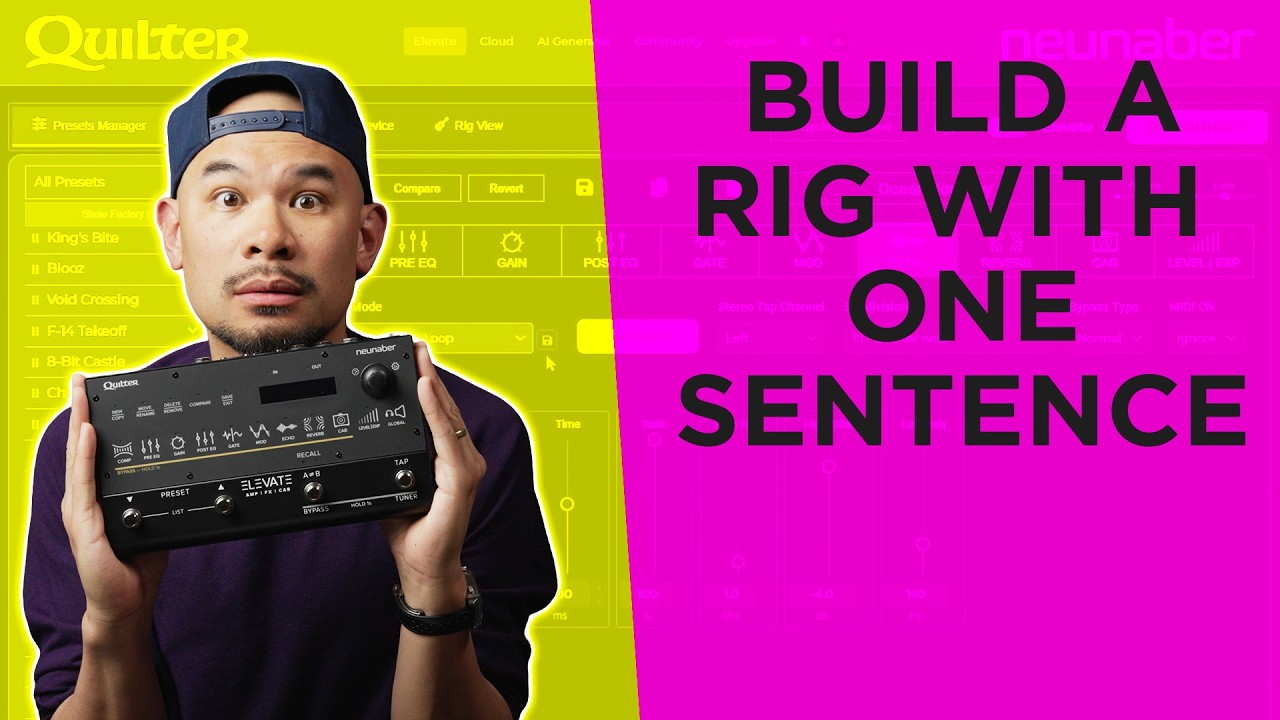
Less fiddling. More playing.
Three steps. Zero menus. All you.
Plug In
Connect your Elevate to any computer via USB. Open elevate.quilterlabs.com in Chrome. No software to install. No account required to start.
Describe
Tell it what you're hearing in your head — a song, a player, a feeling. You're the creative director. Your guitar tech just needs to know what you want.
Play and Decide
Your guitar tech suggests a preset tailored to your system. You play it. You decide if it's right. Refine it with words — "more gain, less delay, brighter" — or start over. Your ears are the final judge. Always.
Your vision. Translated into parameters.
Every guitarist knows what they want to sound like. The hard part has never been the playing — it's the hours spent scrolling menus, tweaking parameters, and reading forums trying to translate what's in your head into what comes out of your rig.
The Tone Builder handles that translation. Describe what you're after — "Foo Fighters 'There Goes My Hero' but with Chris Shiflett's rhythm tone" — and your guitar tech researches the sound, maps it across 14 effects blocks, and hands you a starting point tuned to your specific setup. Not a generic factory preset. A preset shaped for your signal chain, your monitoring, your room.
But it's a starting point — not a finished product. You play it, evaluate it with your own ears, and shape it until it's yours. The Tone Builder doesn't know what sounds good to you. Only you know that. It just gets you close enough that the real work — playing — can begin.

Your sound. Your system.
No two setups get the same preset.
"I want a warm blues tone like SRV."
Your guitar tech suggests a preset shaped for your monitoring setup. You play it. You adjust. You save what works for your rig.
"Give me a crunchier version for a louder room."
It already knows you prefer warm mids and spring reverb — and how those choices translate on your specific system. It starts closer every time because it's learning your ears, not just your words.
Any direction you give it.
Two players type the same prompt and get different presets — because their rigs are different, their rooms are different, and their taste is different. The Tone Builder has learned yours. Every suggestion reflects the hundreds of small choices you've made.
When you want to do it yourself.
Your guitar tech gets you in the neighborhood. Rig View lets you move in and rearrange the furniture. A visual pedalboard with individual effects blocks you can see and tweak — Comp, Pre EQ, Gain, Gate, Mod, Echo, Reverb, Cab — with knobs and switches that respond like physical hardware.
Above it, a virtual amp head provides top-level control over your Gain, Post EQ, and Master. Some players use the Tone Builder to get a starting point and then fine-tune by hand. Some skip the Tone Builder entirely and build from scratch. The tool works either way — because the player is always in control.

Full control. Every parameter.
When you want to go deep, the Preset Manager gives you precision control over every parameter in every effects block. Vertical sliders for Threshold, Ratio, Attack, Release, Gain, Emphasis — everything the pedal can do, accessible from your browser. Tone Builder presets and hand-crafted presets live side by side. The tool doesn't care how you got there.
Organize presets into lists, A/B compare variants, back up to the cloud with one click, and send directly to your device. No cable-swapping. No app downloads.

Presets from players worldwide.
Browse presets shared by other Elevate players — built by hand, refined by ear, or started with the Tone Builder and finished by a human. Van Halen packs, acoustic fingerpicking presets, ambient soundscapes, and everything in between. Download with one click. Send to your device or save to your cloud.
Share your own presets and watch them climb. Rate what you love. Build on what others have started. This isn't an algorithm deciding what's good — it's players sharing with players.

Already own an Elevate?
Plug in over USB, open your browser, and let your guitar tech handle the setup. You handle the playing. Free — no account required to get started.
Launch Tone BuilderWorks in Chrome · Connects over USB
Ready to get one?
14 effects blocks by Neunaber. 1.6 ms latency. 1.5 lbs. And a personal guitar tech that learns your rig, your room, and your taste — so you spend your time playing, not programming.
Shop Elevate — $499Or as low as $41/mo with Shop Pay


